
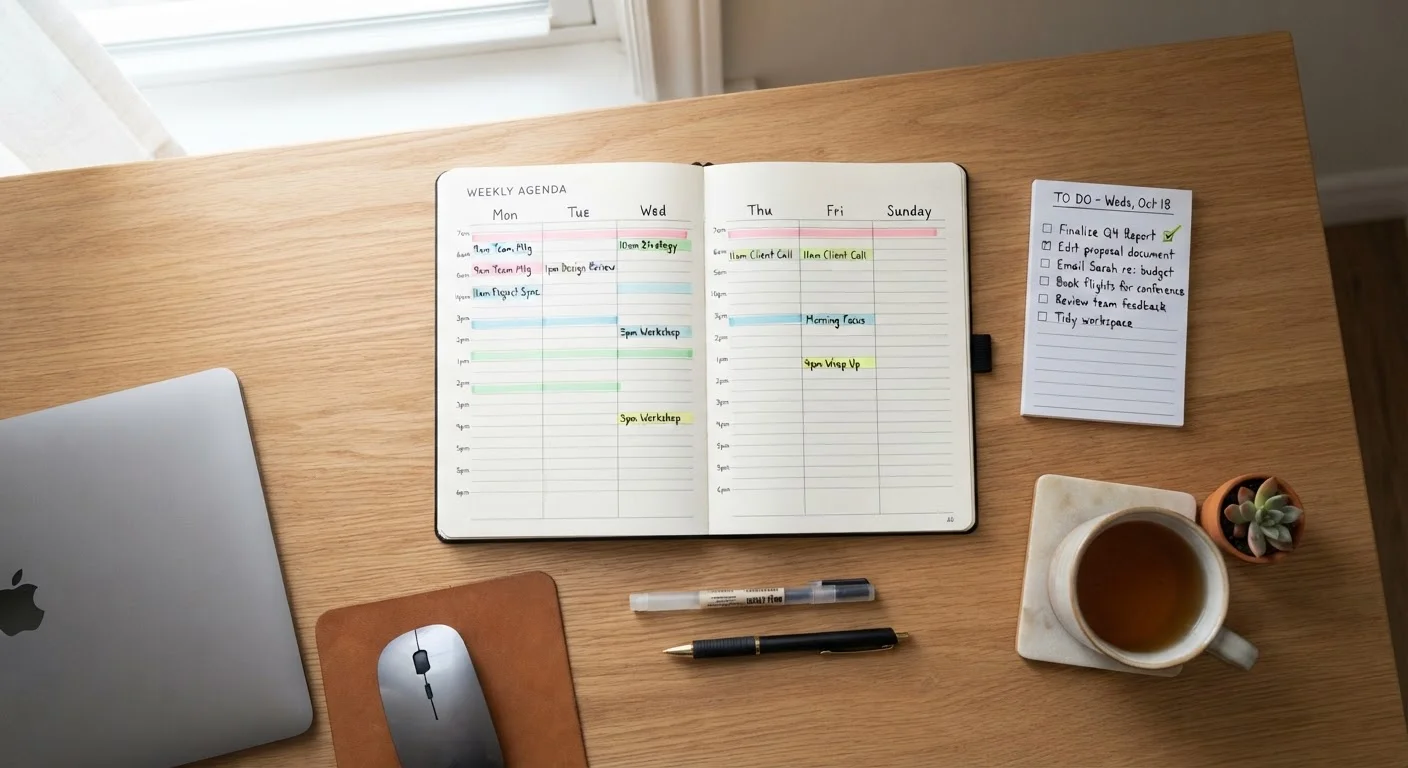
What Each Method Actually Does
Time blocking means assigning specific tasks or categories of work to fixed calendar slots - for example, reserving 9-11 a.m. for writing, 11-11:30 a.m. for email, and 2-3 p.m. for meetings. The schedule itself becomes the decision-making layer, so you spend less mental energy choosing what to do next throughout the day.
Task lists (traditional to-do lists) work differently: you capture everything you need to do in one place and work through items based on urgency, context, or personal judgment. The list is a repository; when and how you execute is left open.
Neither method is inherently superior - they solve different problems. Time blocking addresses when work happens. Task lists address what work exists. Understanding that distinction is the starting point for choosing or combining them effectively. For a deeper look at why task lists sometimes grow unmanageable, see why your to-do list keeps growing.
The Case for Time Blocking
Time blocking is particularly effective for knowledge workers who need sustained concentration. Research on attention and task-switching - including foundational work by cognitive psychologists studying multitasking - consistently shows that shifting between different types of tasks carries a measurable mental cost, sometimes called "switching cost" or "attention residue." By working within defined blocks, you reduce the frequency of those costly transitions.
Time blocking also makes your capacity visible. When you try to schedule a new task and realize there are no open slots, you're forced to negotiate priorities rather than silently overcommit. This is one of its less-discussed strengths: it's a reality check built into the planning process itself.
| Criterion | Time Blocking | Task Lists |
|---|---|---|
| Core function | Schedules when work happens | Captures what work exists |
| Setup effort | Higher - requires calendar planning | Lower - just start writing items |
| Flexibility | Lower - disruptions break the schedule | Higher - easy to reorder on the fly |
| Protects deep focus | Yes - blocks shield focus time | Not inherently |
| Reveals overcommitment | Yes - no empty slots = no more tasks | No - lists can grow indefinitely |
| Best environment | Predictable, self-directed schedules | Reactive, high-variability roles |
| Risk if misused | Rigidity, daily schedule collapse | Overwhelm, lack of prioritization |
The main limitation is rigidity. Unexpected meetings, urgent requests, or energy dips can throw off a tightly blocked calendar quickly. Effective time blockers typically build in buffer blocks - unscheduled 20-30 minute windows - to absorb disruptions without cascading delays. Pairing time blocking with a morning planning routine helps you reset the schedule daily rather than abandon it entirely.
The Case for Task Lists
A well-maintained task list remains one of the most portable and flexible productivity tools available. It excels at capture - getting commitments out of your head and into a reliable external system, which reduces cognitive load and prevents things from being forgotten.
Task lists are also easier to adopt incrementally. You don't need to restructure your calendar; you just need a consistent place to record and review tasks. For professionals in reactive roles - customer-facing positions, support functions, or collaborative environments with frequent handoffs - a task list often fits the workday more naturally than a rigid schedule.
40%
Productivity lost to task-switching
Research cited by the American Psychological Association suggests that switching between tasks can reduce productive output by as much as 40% compared to focusing on one task at a time.
23 min
Average time to refocus after interruption
Studies from the University of California, Irvine found it takes an average of about 23 minutes to return to a task after an interruption, underscoring the value of protected focus time.
The risk, however, is that task lists without prioritization frameworks become overwhelming. When every item looks equally important, decision fatigue sets in and the list itself becomes a source of anxiety rather than clarity. Applying a simple framework - such as marking tasks by urgency and importance - is essential to keeping a list actionable. This connects closely to the principles explored in single-tasking as a focus strategy.
A Note on Digital vs. Paper Task Lists
The medium matters less than the habit. Whether you use a notebook, a notes app, or dedicated task management software, consistency in reviewing and updating your list is what determines effectiveness. Choose a format you'll actually open every day - then build the prioritization habit around it.
Building a Hybrid That Works
Most experienced professionals land on some version of a hybrid approach: a task list as the input system, and time blocking as the execution layer. Practically, this means maintaining a running task list throughout the week, then at the start of each day, selecting the highest-priority items and assigning them to specific calendar blocks.
This approach preserves the capture strength of task lists while adding the scheduling discipline of time blocking. It also separates two cognitively different activities - deciding what matters (planning mode) and doing the work (execution mode) - which research on decision fatigue suggests is more mentally efficient than mixing them.
If you're considering how energy levels affect which tasks belong in which slots, the complementary framework of energy management is worth exploring: energy management over time management. Scheduling demanding cognitive work during peak energy periods - rather than simply filling the first available slot - adds another layer of effectiveness to either method.