
Why Build It Yourself Rather Than Use an App
Budgeting apps are convenient, but building your first budget inside a spreadsheet forces a hands-on familiarity with your own numbers that passive sync tools rarely deliver. When you manually assign every category and type in every figure, you develop an intuitive sense of where your money actually goes - a foundation that makes any system you adopt afterward easier to maintain.
If you're entirely new to personal budgeting, our complete introduction to budgeting covers the core concepts before you open your first spreadsheet. And if you want to understand an alternative structural approach, zero-based budgeting offers a more explicit method for allocating every dollar.
What you will need
Gather these materials now - having real numbers in front of you as you build prevents the common trap of creating a budget based on what you wish you spent rather than what you actually spend.
Spreadsheet Application
Used to create and organize all budget columns, formulas, and category totals.
Bank and Credit Card Statements
Provides actual historical spending data to populate variable expense categories accurately.
Pay Stubs or Income Records
Confirms your accurate net monthly income figure as the foundation for all budget math.
Calculator
Useful for quickly totaling irregular income averages before entering them in the spreadsheet.
Building the Budget: Step by Step
Follow these steps in order. Each one builds directly on the previous, so skipping ahead tends to create gaps that surface as confusing discrepancies at month-end.
Set up your spreadsheet structure
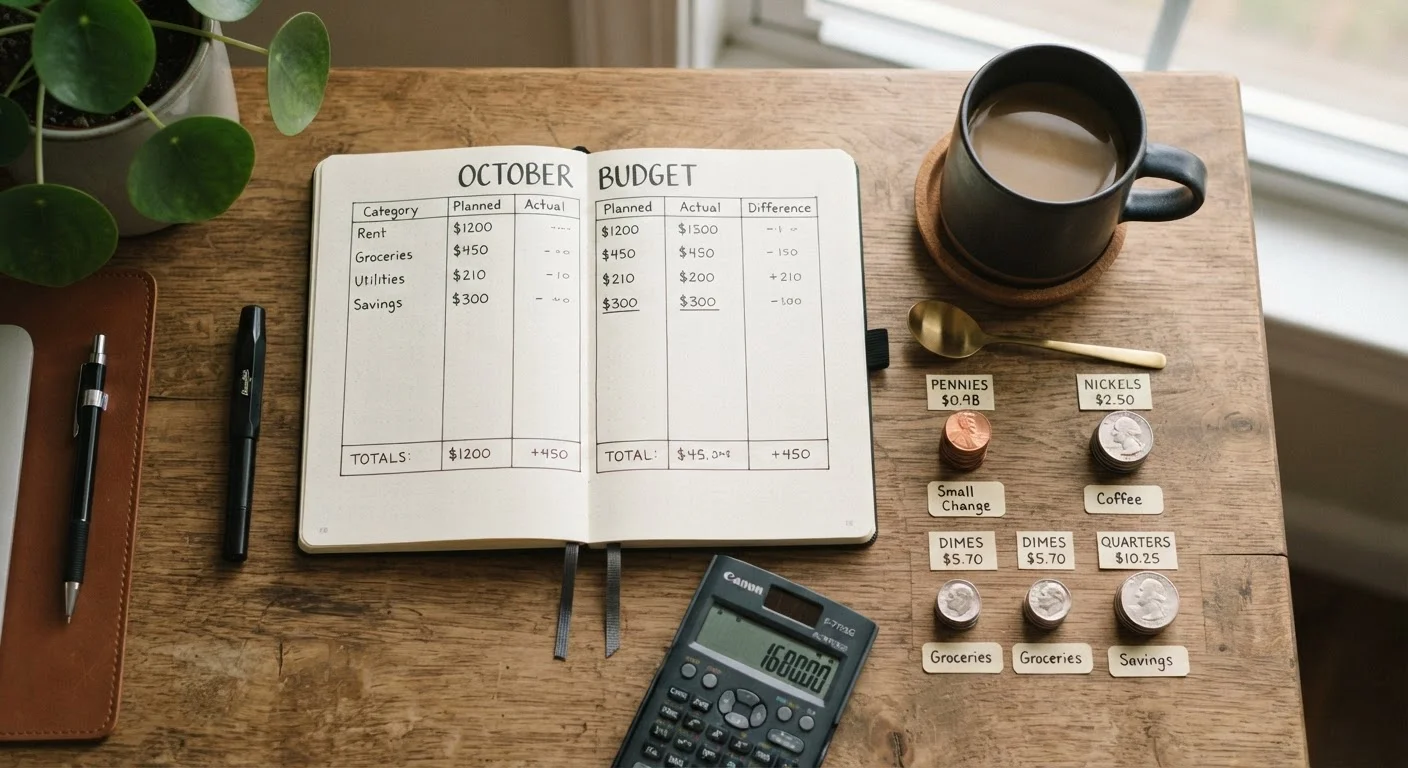
Open a blank spreadsheet and create four column headers in row one: Category, Budgeted Amount, Actual Amount, and Difference. Leave the first few rows beneath the header for an income summary block. Below that, you'll build your expense sections. Keeping the layout consistent makes end-of-month reconciliation much faster.
Enter your net monthly income
In the income block, list every reliable income source with its monthly net amount: salary, side income, or regular transfers. If you're salaried, this is straightforward. If your income varies, refer to your last three months of deposits and use the lowest figure as your working number. Sum all sources into a single Total Net Income cell - this is your budget ceiling.
[important_callout]List all fixed expenses
Fixed expenses are costs that stay the same each month regardless of behavior: rent or mortgage, car payment, minimum loan payments, insurance premiums, and fixed subscriptions. Pull these from your statements and list each as its own row. Total them into a Fixed Expenses Subtotal cell. These are non-negotiable commitments - your budget must accommodate them first.
Estimate variable expenses by category
Variable expenses change month to month: groceries, dining out, gas, entertainment, clothing, and personal care. Review your last two or three months of statements and calculate a realistic monthly average for each category. Round slightly upward - it's better to slightly overestimate spending than to build a budget that breaks on month one. Common categories include:
- Groceries
- Dining and takeout
- Transportation (gas, transit, rideshare)
- Personal care and health
- Entertainment and hobbies
Add an irregular expenses buffer
Annual or semi-annual costs - car registration, subscriptions billed yearly, gifts, medical copays - are budget-busters when ignored. Estimate your total yearly irregular expenses, divide by 12, and add a monthly Irregular Expenses Buffer row. Park that amount in a dedicated savings pocket each month so the cash is ready when the bill arrives.
Assign your savings and debt paydown targets
Subtract your fixed costs, variable expenses, and buffer from your total net income. Whatever remains is your savings and debt paydown capacity. Create explicit rows for each goal: emergency fund contribution, retirement account contribution (if not already pre-tax), and any extra debt payments. Treat these as fixed line items, not optional leftovers. If the remaining amount feels too small, revisit variable categories first before cutting savings entirely.
[tip_callout]Verify your budget balances to zero (or close)
In a final summary row, subtract all expense and savings line items from your total net income. Ideally this difference is zero - every dollar has a designated purpose. A small positive remainder can go to your irregular buffer or savings. A negative number means your planned spending exceeds income; return to variable categories and find realistic reductions before the month begins.
Variable Income Requires Extra Caution
If your income fluctuates - through freelance work, hourly shifts, or commission - budget from your lowest realistic monthly income rather than your average. This creates a floor that keeps you solvent in slow months. You can always allocate windfalls intentionally once they arrive.
What Comes Next
A first-draft budget rarely survives its first month unchanged - that's normal and expected. The goal isn't perfection; it's a working framework you can adjust. At the end of each month, compare your Budgeted Amount column against your Actual Amount column to identify where estimates were off. Our monthly budget review checklist provides a structured process for doing exactly that.
Once your budget is stable and your emergency fund is growing, you'll be positioned to move toward longer-term goals. Our Saving & Emergency Funds hub and Investing Fundamentals hub are logical next destinations. If money still feels tight while building savings, building your first emergency fund from a tight budget offers realistic strategies for constrained situations.
This article is for general informational and educational purposes only. It does not constitute personalized financial, tax, or investment advice. Consult a qualified financial professional for guidance tailored to your individual circumstances.